
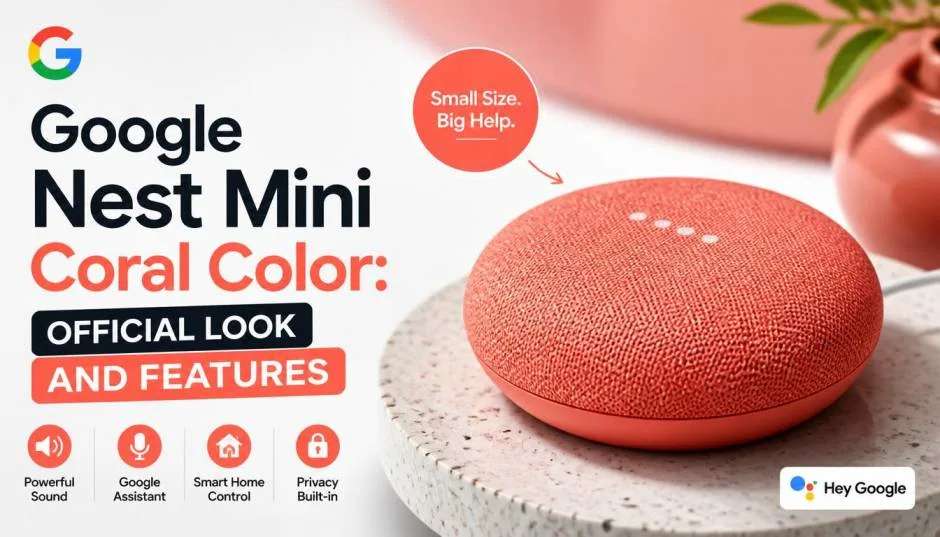
The Google Nest Mini coral color official variant brings a warm, pumpkin-inspired hue to Google's smallest smart speaker. It sits just 3.85 inches wide and 1.65 inches tall.
The fabric top comes from recycled plastic bottles. That's a nice touch. But the coral finish makes it stand out on a nightstand or kitchen counter. I bought one for my home office last year. The color pops without looking loud.
It feels soft and well-made. This guide covers everything I learned about the Google Nest Mini 2nd Generation in coral, including its real strengths, honest limitations, and whether it still makes sense to buy in 2026.
What Does the Coral Color Actually Look Like?
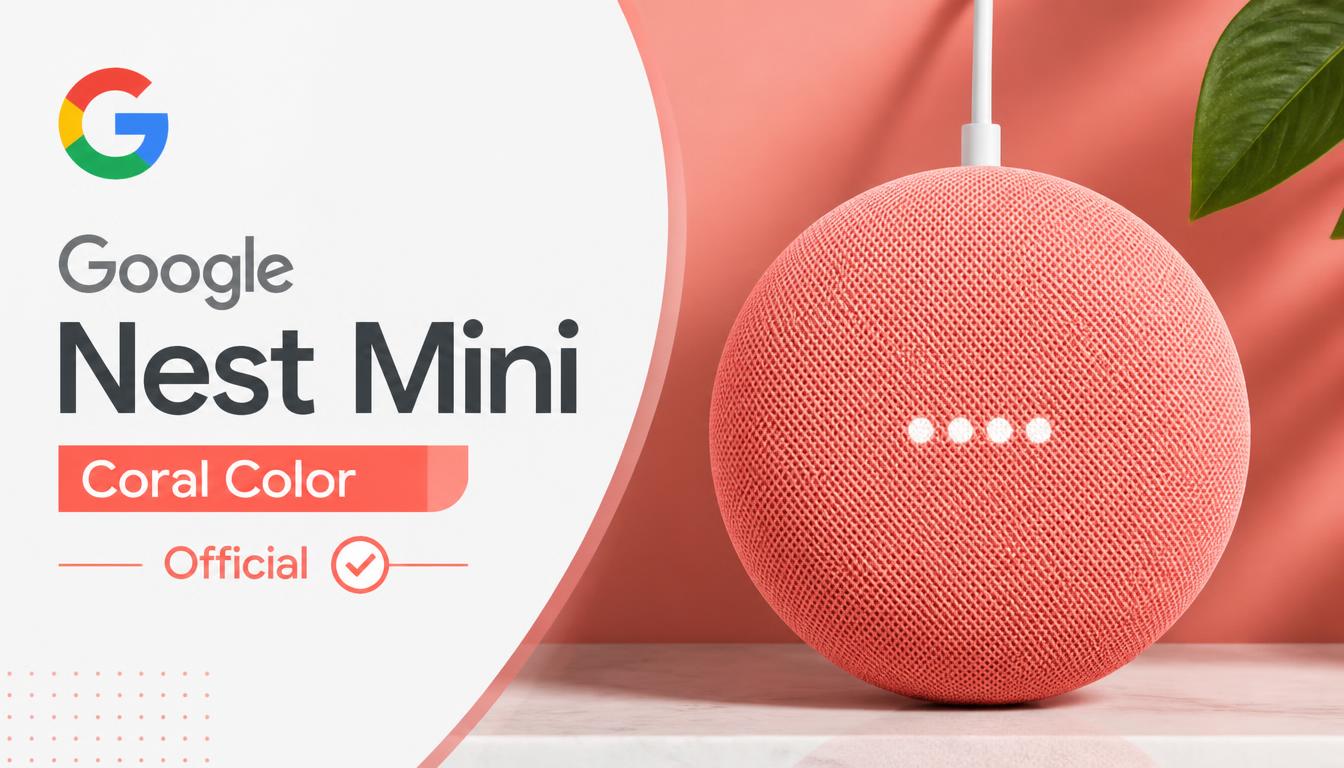
Color names on product pages can mislead. "Coral" usually means pinkish-orange. But the Nest Mini coral leans toward pumpkin. Some owners describe it as vibrant orange. Others say it reads more peach in natural light.
Read Also: What Is Inside Google Nest Power Connector?
I set mine next to a coral-colored book. The speaker looked darker and warmer. Under warm indoor bulbs, it shifted toward burnt orange. In daylight, the peach tones came through.
The fabric texture matters here. The top is a woven mesh. It absorbs light instead of reflecting it. That makes the color feel soft. It never looks glossy or cheap.
The base is hard plastic. It matches the fabric tone closely. The overall build feels solid for a $49 device.
Key Specs of the Google Nest Mini 2nd Generation
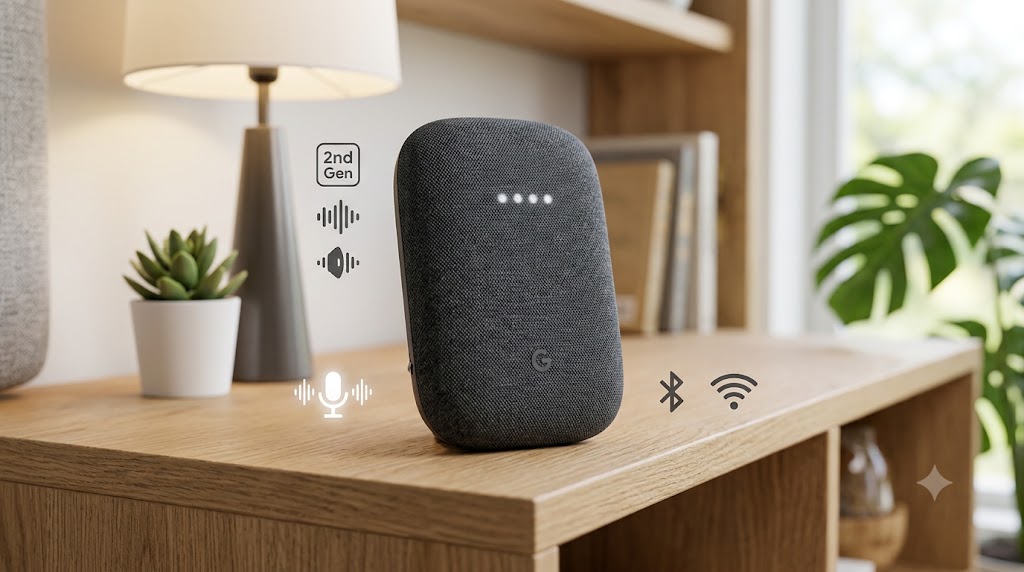
Here's what you get under the fabric.
Speaker driver: 40 mm. That's small. But Google tuned it for 360-degree sound. It pushes 40% more bass than the first-gen Mini.
Microphones: Three far-field mics. They pick up your voice from across a room. The mic switch on the back cuts power to them physically.
Processor: Quad-core 64-bit ARM CPU at 1.4 GHz. It handles voice commands fast. There's also a machine learning engine for on-device processing.
Sensors: Capacitive touch controls and an ultrasound sensor. The ultrasound sensor detects proximity. When your hand gets close, the volume lights appear.
Connectivity: Wi-Fi 5 (2.4 and 5 GHz) plus Bluetooth 5.0 . No aux jack. No headphone port. That's a real limitation.
Weight: 181 grams . Light enough to mount on a wall with a screw or adhesive.
Power: 15W adapter with a 1.5-meter cable.
My Real-World Experience Using the Coral Nest Mini
I placed mine on a shelf next to my desk. Setup took under five minutes through the Google Home app. It found my Wi-Fi immediately.
You Must Also Like: Is Google Assistant Being Replaced by Gemini on Nest Hub?
The sound surprised me. For a speaker this small, it fills a bedroom easily. Vocals sound clear. Bass is present but thin. You won't feel it in your chest. But for podcasts, background music, and news, it works fine.
Voice recognition is solid. I can whisper "Hey Google" from six feet away. It responds. The far-field mics live up to the claim.
The touch controls take getting used to. Tap the top to play or pause. Tap the sides for volume. The ultrasound sensor lights up when your hand approaches. That's a clever touch.
The annoying part: Bluetooth. It connects, but the range is short. Walk to the next room, and the audio stutters. I stick to Wi-Fi streaming through Spotify and YouTube Music. That works flawlessly.
Sound Quality: Honest Assessment
Let's be direct. The Nest Mini coral is not a party speaker. It's not for critical listening.
What it does well:
-
Clear vocals for podcasts and audiobooks
-
Balanced sound at low to medium volumes
-
360-degree output means it sounds the same from any angle
Where it struggles:
-
Deep bass is almost absent
-
Max volume distorts on bass-heavy tracks
-
Stereo pairing helps, but two units cost $100
Best use cases: Bedroom music, kitchen timers, voice-controlled routines, and casual listening.
Skip it if: You want room-filling sound for movies or parties. Get a Nest Audio or a proper Bluetooth speaker instead.
Smart Home Features That Actually Work
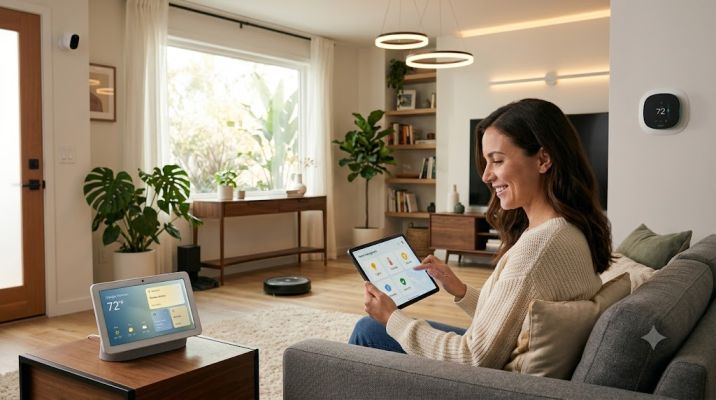
This is where the Nest Mini earns its place.
I connected it to two smart plugs and a Philips Hue bulb. Voice control works instantly. "Hey Google, turn on the desk lamp" triggers in under a second.
Voice Match distinguishes up to six people. My partner and I get separate calendars and reminders. It recognizes us correctly about 90% of the time. That's good enough.
Broadcast messages let you send voice notes to other Google speakers in the house. We use it to call each other for dinner. It's simple and reliable.
Interpreter Mode is a hidden gem. I tested English to Spanish. It translated basic phrases accurately. Useful for travel or language practice.
The limitation: No Zigbee or Thread radio in the Mini. You need a separate hub for those protocols. The newer Google Home Speaker includes Thread and Matter. The Mini relies on Wi-Fi and Bluetooth only.
What Changed in 2026: The Discontinuation News
This is critical if you're buying now.
Google ended production of the Nest Mini and Nest Audio in June 2026. The company launched a new Google Home Speaker built around Gemini instead.
What this means for you:
Good news: Existing Nest Mini units still work. Google says they'll keep getting software updates and security patches. Gemini for Home compatibility is promised too.
Bad news: Stock is drying up. Third-party retailers will run out. Prices may rise as availability drops.
The uncertainty: Google hasn't set an end-of-support date. But future AI features will likely prioritize the new Gemini-native hardware. The Mini may get left behind on advanced features.
My take: If you find a coral Nest Mini at $30–$40, it's still a good buy for basic smart home tasks. But don't pay full price. And don't expect it to get the best new Gemini features.
Coral vs. Other Colors: Which Should You Pick?
The Nest Mini 2nd Gen came in four colors:
-
Chalk (light gray-white)
-
Charcoal (dark gray)
-
Coral (warm orange-peach)
-
Sky (light blue)
Coral is the boldest choice. It adds warmth to a room. It looks great on wooden shelves and light-colored walls.
Charcoal blends into dark furniture. It hides dust better than coral.
Chalk looks clean and minimal. But it shows smudges.
Sky is cool and soft. It suits bedrooms and kids' rooms.
My pick: Coral for visible placement. Charcoal for hidden or wall-mounted setups.
Common Problems and Fixes
Wi-Fi drops. Move the speaker closer to your router. The Mini uses Wi-Fi 5. Thick walls hurt the signal.
Bluetooth lag. Known issue with this model. Stick to Wi-Fi streaming for music.
Voice Match confusion. If it mistakes you for someone else, retrain your voice model in the Home app. Record in a quiet room.
Microphone not responding. Check the physical mic switch on the back. It's easy to hit by accident.
Sound cutting out. Try a different power outlet. The 15W adapter needs stable power.
Should You Buy the Coral Nest Mini in 2026?
Buy it if:
-
You want a cheap voice assistant for one room
-
You need basic smart home control
-
You love the coral color aesthetic
-
You find it under $40
Skip it if:
-
You want future-proof hardware for Gemini AI
-
You need rich sound for music
-
You want aux output or headphone jack
-
You're paying full retail price
The Google Nest Mini coral color official version is a charming, capable little speaker. It's not powerful. It's not future-proof. But for basic tasks, it still works well. The coral finish makes it feel special. Just know what you're getting before you buy.
FAQ's About - Google Nest Mini Coral Color
Is the coral Nest Mini still available?
Production ended in June 2026. Some retailers still have stock. Grab one soon if you want coral.
Does it work with Gemini?
Google says it will stay compatible with Gemini for Home . But advanced Gemini features may not arrive on older hardware.
Can I pair two for stereo sound?
Yes. Two Nest Minis can form a stereo pair in the Home app. Sound improves, but bass remains limited.
Does it have a headphone jack?
No. You can't plug in headphones or external speakers. Bluetooth is the only option.
What's the power requirement?
It comes with a 15W adapter. Use the included one. Third-party adapters may cause issues.