
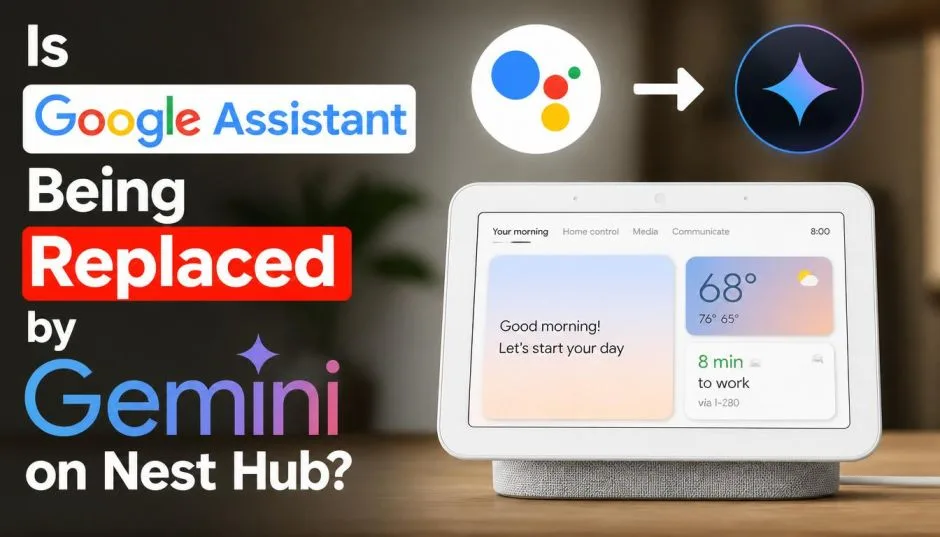
You wake up. You say "good morning" to your Nest Hub. But something feels different. The voice sounds slightly off. The responses are longer. More detailed. Almost like talking to a person instead of a robot. That is not your imagination.
Google is quietly replacing the old Google Assistant with Gemini across Nest devices. The transition started in late 2025. By mid-2026, it is accelerating fast. Here is exactly what is happening, what works, what breaks, and whether you should upgrade or wait.
The Short Answer: Yes, Google Assistant Is Being Replaced
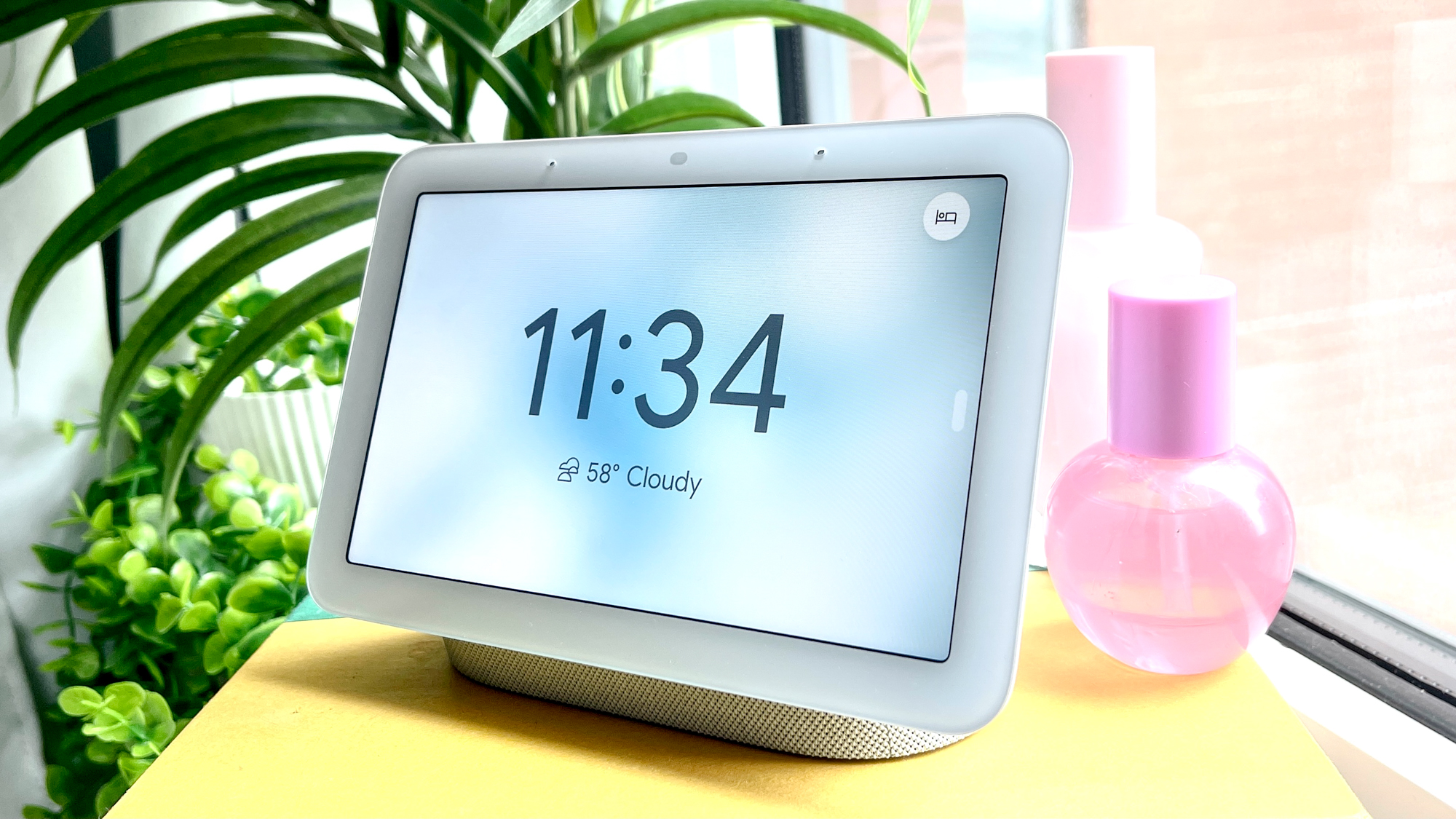
Google confirmed the shift back in October 2025. The company announced Gemini for Home as the official replacement for Google Assistant on compatible Nest speakers and displays. The rollout began as an early access program in the US.
Read Also: How to Set Up and Optimize Familiar Face Detection on Nest Doorbells?
By June 2026, Google expanded the program to 16 additional countries including the UK, France, Germany, Japan, and Australia. The change is permanent.
Once you upgrade a device to Gemini, you cannot downgrade back to Google Assistant. Google is not offering a rollback option. This is a one-way door.
If you own a Nest Hub (2nd gen), Nest Audio, Nest Mini (2nd gen), or Nest Hub Max, you get the full Gemini experience including Gemini Live . Older devices like the first gen Nest Hub, original Google Home, and Home Mini get most features but not the conversational mode.
What Actually Changes on Your Nest Hub?
The difference is not just a software version number. The entire interaction model changes.
Old Google Assistant: You gave commands. It executed them. One sentence. One action. No follow-ups without repeating "Hey Google."
New Gemini on Nest Hub: You have conversations. The assistant remembers context. You can ask follow-up questions without repeating the wake word. The system handles multi-step commands in one sentence.
I tested this on a friend's Nest Hub that joined early access. I said "BMW, set the temperature to 71 degrees and play some driving music." Wait, wrong assistant. On Gemini, I said "turn off the living room lights, lock the front door, and tell me tomorrow's weather." The device executed all three actions from one command. That never worked on old Assistant.
Google recently upgraded Gemini for Home to version 3.1. This new model features advanced reasoning to interpret and execute complex, multi-step voice commands. You can now combine different tasks in one breath. Adding items to a list while updating existing ones? One command. Setting alarms and managing calendar events together? One command.
New Features You Get with Gemini on Nest Hub
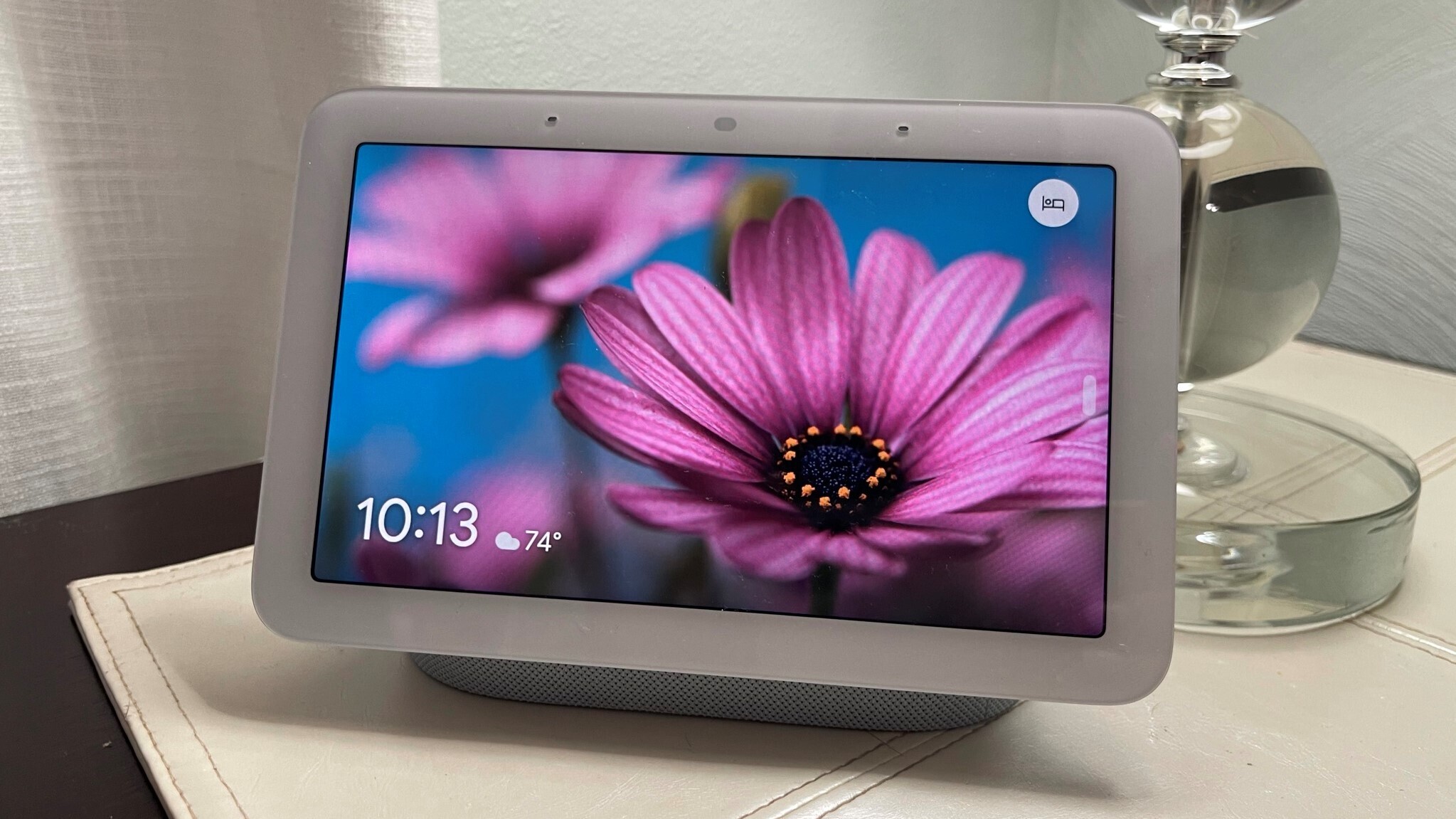
The upgrade unlocks several capabilities the old Assistant never had.
Natural Weather and Media Controls
Recent updates improved how Gemini handles weather forecasts on smart displays. You can ask for specific hourly forecasts. The Nest Hub renders a detailed hourly chart. Temperature unit accuracy is improved.
You Must Also Like: Matter Compatible Devices for Google Home Android Guide
Media controls also got smarter. You can ask for music videos, movies, and TV shows using natural language. Say "find that new action movie with the guy from The Rock" and Gemini figures it out. Conversational volume controls work too. Lower it a tad" works just as well as "set volume to 40 percent.
News Briefs That Talk Back
The news experience changed completely. Instead of static broadcasts, Gemini offers interactive, customized narratives. You can ask follow-up questions about specific headlines. Tell me more about the second story" actually works. You can also ask for news on specific topics like "Catch me up on tech news.
Context That Sticks
This is the biggest upgrade. The old Assistant forgot everything after each command. Gemini remembers what you talked about. You can say "set a timer for 20 minutes" then later ask "how much time is left?" without restating which timer. The system knows.
The Problems No One Talks About
The upgrade is not all smooth sailing. Users report significant issues.
Slow Response Times
Multiple Reddit threads document a common complaint: Gemini responds slowly to basic commands. One user reported a 7-10 second delay before Gemini turned on a light.
Another said "It is so slow to trigger my home commands, it's almost worthless." Routine executions sometimes take five minutes, though recent updates reduced typical delays to around ten seconds.
Google claims it reduced smart home latency by 40 percent for speedier responses. But user reports suggest the problem persists for many.
Broken Basic Functions
Some users report that basic features stopped working after the upgrade. One Reddit user said their Home Hub could no longer set alarms or control smart lighting.
Another reported Gemini could not correctly report whether their garage door was open or closed, claiming no camera was available despite one being present.
Not everyone experiences these issues. Some users report everything works fine. The problem is inconsistency. You will not know which group you fall into until after you upgrade.
Cannot Go Back
This is the biggest risk. Once you enable Gemini for Home on your devices, Google does not allow a downgrade to Google Assistant. If you encounter bugs or broken features, your only option is to wait for Google to fix them. There is no undo button.
The Subscription Catch: Gemini Live Costs Money
Here is something Google does not advertise loudly. The conversational mode (Gemini Live) requires a Google Home Premium subscription. The standard tier costs $10 per month or $100 per year.
The advanced tier costs $20 per month or $200 per year. The only difference for Nest Hub users is that the pricier plan supports camera history search. Both tiers unlock Gemini Live.
Basic Gemini features work without a subscription. But the natural back-and-forth conversation that makes Gemini special? That costs extra. Your Nest Hub still works. It just works more like the old Assistant unless you pay.
Which Devices Get Full Gemini Support?
Google drew a clear compatibility line.
Full Gemini experience (including Gemini Live):
-
Nest Hub (2nd gen)
-
Nest Audio
-
Nest Mini (2nd gen)
-
Nest Hub Max
Basic Gemini (no Gemini Live):
-
Google Home (original)
-
Google Home Mini (1st gen)
-
Nest Hub (1st gen)
-
Google Home Max
-
Nest Wifi point
-
Existing third-party speakers
If you own an older device, you get some improvements but not the conversational features. Google has essentially left first-gen hardware outside the premium experience.
Should You Buy a Nest Hub Right Now?
This is the tricky question.
The Yahoo Tech team recently advised readers to "think twice before buying a Google Nest speaker right now". Their reasoning is solid. Third-party manufacturers are already testing Gemini-native speaker hardware.
A leaked Walmart Onn Smart Speaker running Gemini appeared in certification listings in May 2026. Google's own $100 Home Speaker built specifically for Gemini is expected soon.
Current Nest hardware was not designed for Gemini. Older devices like Nest Audio and Nest Mini were built for simple voice commands. They can run Gemini, but you are not getting the optimal experience. The hardware limitations show up in response times and feature support.
Buy now if: You need a smart display immediately. You are comfortable with potential bugs. You do not care about having the absolute latest hardware.
Wait if: You can hold off for 3-6 months. New Gemini-native hardware is coming. Third-party options like the Walmart Onn speaker might offer better performance at lower prices. Google's first-party refresh is also around the corner.
How to Sign Up for Early Access (If You Want to Try It)?
If you decide to take the plunge, here is the process:-
-
Open the Google Home app on your mobile device
-
Tap your profile picture (or initials) at the top right
-
Tap Home Settings > Early Access
-
Submit your request
You may wait for confirmation. Once accepted, you see a notification reading "Introducing Gemini for Home." Follow the prompts. All compatible speakers in your home upgrade simultaneously.
Keep in mind this is early access. Google warns that generative AI makes mistakes. If something goes wrong, you can send feedback by saying "Hey Google, send feedback" or through the Google Home app.
The Global Rollout Timeline
As of June 2026, Gemini for Home is available in early access across 16 countries:
-
Austria, Belgium, Denmark, Finland, France, Ireland, Italy, Netherlands, Norway, Spain, Sweden, Switzerland, United Kingdom
-
Australia
-
Japan
-
New Zealand
Germany recently joined the early access phase as well . The full rollout in these countries could complete in the coming months. Other regions likely follow in late 2026 or early 2027.
What the Upgrade Means for Your Smart Home?
The shift from Assistant to Gemini represents a fundamental change in how Google approaches smart homes. The old system treated your Nest Hub as a voice-controlled remote. Gemini treats it as a conversational partner.
This works beautifully for complex requests. Planning a week-long road trip with kids? Gemini helps. Asking "what happened at home today?" generates a meaningful summary of camera events, door sensors, and activity logs.
But the transition is bumpy. Basic commands that worked flawlessly for years sometimes fail. Response times vary. Feature support depends on your subscription tier.
Just remember: there is no going back.
The Final Thoughts
Yes, Google Assistant is being replaced by Gemini on Nest Hub. The transition is underway across 16+ countries. Gemini offers smarter conversations, multi-step commands, and contextual understanding that the old Assistant never had.
But the upgrade comes with risks: slower response times, broken basic functions, and a permanent one-way door. New hardware built specifically for Gemini is coming soon.